
Enrich LeapSpace analysis with your own research and files
You can now ask LeapSpace to search your documents alongside its peer-reviewed content.
When you type your query into LeapSpace, it draws on millions of cross-publisher abstracts and full text to respond. This makes it a valuable source of insights, whatever your topic or question.
But LeapSpace development is guided by the feedback of our users, so when early adopters told us they wanted the option to securely interrogate other documents alongside the published literature, the development team — many of whom are former researchers themselves — added the request to their roadmap.
This week marks the launch of the functionality they’ve developed — the new File Upload feature. It enables you to upload up to five additional files per conversation and LeapSpace will blend them with its existing knowledge base, grounding its response in both sources. This not only adds context to your query, it also enriches the response that the system generates.
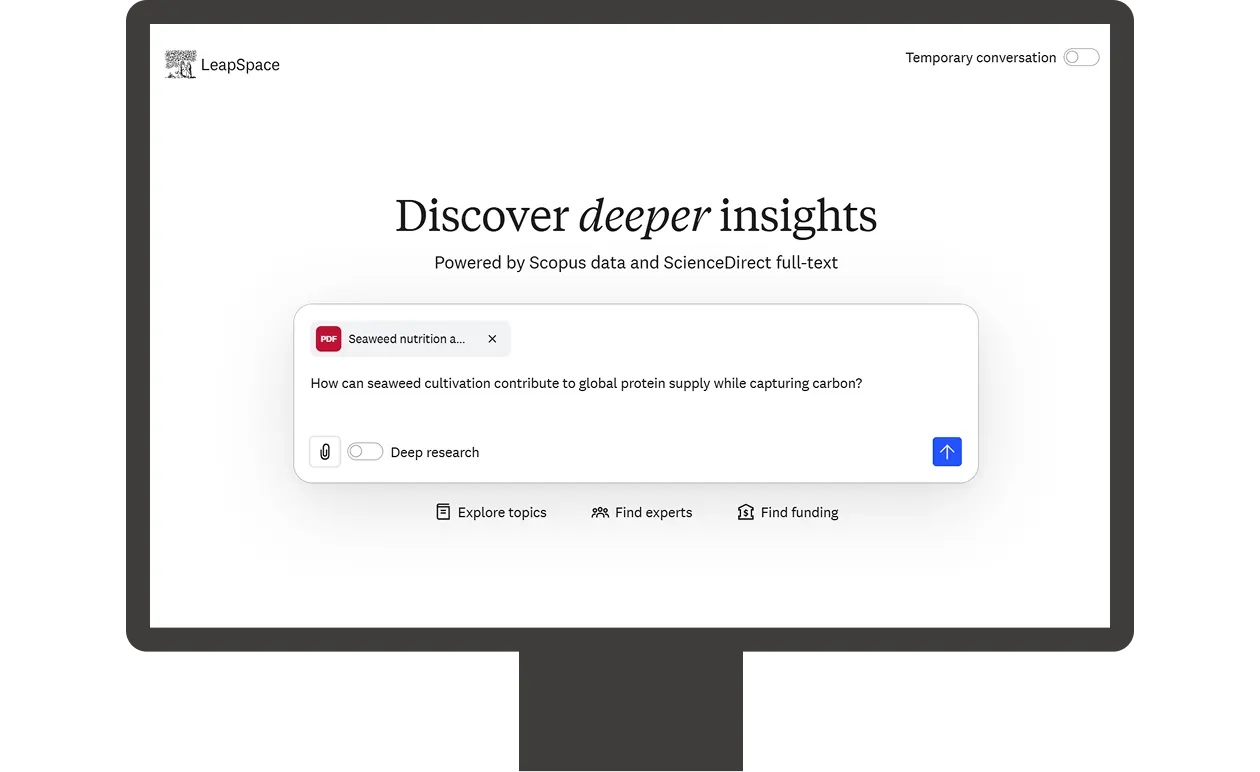
Ideas for using File Upload
1. Generate a precis of your research: Helpful if you need a simple summary of one or more of your own research articles. Just upload them to LeapSpace and let the system know what you require.
2. Test your research against the broader literature: This is where the file upload feature really shines — when it’s combining rather than summarizing. For example, you can upload a draft research article and ask LeapSpace questions like:
Given what I've written, what does the broader literature say that extends, contradicts, or supports my work?
Based on my uploaded paper, what recent studies challenge my methodology
Find gaps in the literature that my research doesn't address.
How does my findings section compare to what other groups have published in the last 2 years?
3. Provide added context: You can upload research notes, reports or any other files you’d like LeapSpace to include in its retrieval and analysis.
Prioritizing privacy and security
The way we've built this feature ensures that anything you upload into LeapSpace is private, secure, encrypted and is only available for your personal use — control remains fully with you as the user. For example:
Documents you upload will not be used to train our models or third-party models.
Any file you upload is not accessible to other end users and their content is not used by LeapSpace in responses for other users.
Files are stored in our controlled cloud environment in line with our Privacy Principles and Responsible AI Principles. How long files are retained depends on which LeapSpace mode you have selected:
Temporary mode: Files are deleted after a maximum of 30 days.
Standard mode: Files are retained until your institution’s contract ends.
You can also choose to delete the uploaded files at any time, either manually yourself or you can submit a deletion request to the LeapSpace team. NOTE: Before uploading files to LeapSpace, please ensure that this kind of usage is permitted by the copyright holder and/or your institution’s policies.
How file upload works in practice
Here are a few helpful pointers to help you get the most out of the file upload feature:
File types: You can currently upload PDF files, with support for more formats planned for Q2.
File number: You can upload up to five files per conversation thread — in practice, this means you can choose to upload all five to your first query or add files to up to five different messages in the same conversation thread.
File size: The maximum size per individual file is 10mb.
Flexibility for your institution
The default mode for this new feature is ‘on’, but to ensure organizations have the flexibility they need, we’ve designed the file upload feature to be optional — we can disable it at the institution/account level upon request.
Next steps
Interested in learning more about LeapSpace? Sign up for email updates to get the latest news and articles with best practices, user insights, and product updates.